Network Troubleshooting Tools for End-to-End Network Visibility
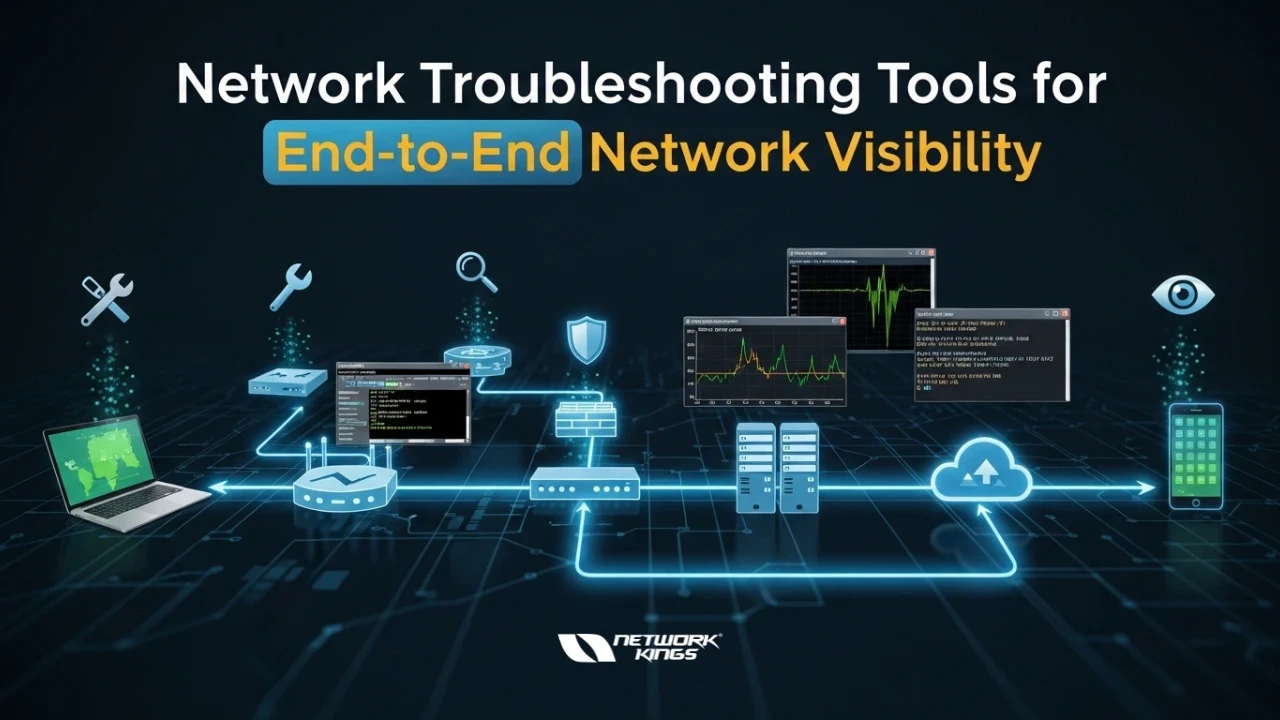
Modern networks are no longer simple, flat infrastructures. Today's environments span on-premises data centers, multi-cloud platforms, remote endpoints, and everything in between. When something goes wrong — a slowdown, an outage, a security incident — IT teams need more than a blinking light on a dashboard. They need end-to-end visibility: the ability to see exactly what is happening at every hop, every node, and every link across the entire network.
Without this level of insight, teams waste critical time chasing symptoms rather than root causes. Packets get dropped. Users complain. Revenue suffers. According to industry research, the average cost of network downtime runs into thousands of dollars per minute for mid-sized organizations.
The good news? A well-curated toolkit of network troubleshooting tools can give your team the situational awareness to detect, isolate, and resolve issues before they escalate. This guide breaks down the essential categories and tools every network professional should know.
The Four Pillars of Network Visibility
Before diving into specific tools, it helps to understand what "end-to-end visibility" actually covers:
Connectivity — Can devices reach each other? Are routes correct?
Performance — What is the latency, throughput, and packet loss at each segment?
Traffic Analysis — What data is flowing, and where is it going?
Infrastructure Health — Are devices, interfaces, and services operating within normal parameters?
The best toolkits address all four pillars simultaneously.
Essential Network Troubleshooting Tools
1. Ping and Traceroute — The Foundation
Every network investigation starts with the basics. Ping tests reachability between two hosts using ICMP echo requests, confirming whether a target is alive and measuring round-trip time. Traceroute (or tracert on Windows) maps the entire path a packet travels, hop by hop, revealing where delays or failures occur.
While these tools are simple, do not underestimate them. A sudden jump in latency at a specific hop can instantly narrow a performance problem to a particular router or ISP segment.
Pro tip: Use mtr (My Traceroute) for a real-time, continuously updating combination of ping and traceroute in a single view — invaluable for identifying intermittent packet loss.
2. Wireshark — Deep Packet Inspection
When surface-level metrics are not enough, Wireshark lets you capture and analyze individual packets with surgical precision. This open-source protocol analyzer can decode hundreds of protocols, filter traffic by virtually any field, and reconstruct application-layer sessions — making it indispensable for diagnosing complex issues like TCP retransmissions, DNS failures, or TLS handshake errors.
Key use cases include:
Identifying malformed packets causing application errors
Diagnosing slow file transfers or VoIP quality issues
Validating that traffic is encrypted as expected
Troubleshooting authentication failures in protocols like Kerberos or RADIUS
Wireshark requires capture access (typically a mirrored port or an inline tap), but its depth of analysis is unmatched for any packet-level investigation.
3. SNMP-Based Network Monitoring — Infrastructure-Wide Health
Simple Network Management Protocol (SNMP) remains a backbone of enterprise network monitoring. Tools like PRTG Network Monitor, Zabbix, and LibreNMS use SNMP polling to continuously collect metrics from routers, switches, firewalls, and servers — including CPU utilization, interface error rates, bandwidth consumption, and memory usage.
These platforms transform raw device data into visual dashboards and alerting rules, giving teams a real-time view of infrastructure health across the entire environment.
Why it matters for end-to-end visibility: SNMP monitoring provides the persistent, wide-angle lens that spot-check tools like ping cannot. It catches gradual degradation — a switch port error rate slowly climbing over a week — long before users notice an impact.
4. NetFlow and sFlow — Traffic Intelligence
Understanding what is traversing your network is just as important as knowing whether it is reachable. NetFlow (Cisco) and sFlow are traffic sampling technologies built into most enterprise-grade routers and switches. They export summarized flow records — source/destination IPs, ports, protocols, and byte counts — to a collector for analysis.
Tools like ntopng, SolarWinds NTA, and Elastic Stack with flow data turn these records into actionable traffic visibility:
Identify bandwidth hogs and unexpected traffic patterns
Map application flows across network segments
Detect anomalous behavior that could indicate security incidents
Validate that QoS policies are working as intended
For teams managing multi-site or multi-cloud environments, flow analysis is the cornerstone of understanding real traffic behavior at scale.
5. Synthetic Monitoring — Proactive Performance Testing
Rather than waiting for users to report problems, synthetic monitoring tools simulate real user transactions on a scheduled basis, measuring performance from defined vantage points. Platforms like ThousandEyes, Catchpoint, and Datadog Synthetics send probes across the network continuously, testing application response times, DNS resolution, BGP route changes, and cloud provider reachability.
This approach is particularly powerful for:
Monitoring SaaS application performance from the end-user perspective
Detecting ISP or cloud provider issues before they impact production traffic
Establishing performance baselines and SLA compliance reporting
Synthetic monitoring bridges the gap between infrastructure metrics and the actual user experience — a critical dimension of true end-to-end visibility.
6. Log Management and SIEM — Correlation Across Sources
No single tool has the complete picture. Log management platforms like the ELK Stack (Elasticsearch, Logstash, Kibana), Splunk, and Graylog aggregate logs from firewalls, routers, servers, and applications into a centralized system where events can be searched, correlated, and visualized.
When a network incident occurs, log correlation lets you answer questions like: Did the firewall log a connection drop at the same time the monitoring alert fired? This cross-source analysis drastically reduces mean time to resolution (MTTR).
Building a Cohesive Troubleshooting Workflow
Having great tools is only half the battle. The other half is knowing how to use them together. A proven workflow looks like this:
Start broad — Use SNMP dashboards and flow data to identify affected segments and timeframes.
Narrow the path — Run traceroute or MTR to isolate the problematic hop or link.
Go deep — Capture traffic with Wireshark at the identified segment for packet-level diagnosis.
Correlate events — Cross-reference with logs to understand what changed at the time of the issue.
Validate the fix — Use synthetic monitoring and ping tests to confirm restored performance after remediation.
This layered approach ensures you are never flying blind, regardless of how complex the underlying network environment is.
End-to-end network visibility is not a luxury — it is a prerequisite for running a reliable, secure, and high-performing modern infrastructure. By combining foundational tools like ping and traceroute with traffic analysis, SNMP monitoring, synthetic probing, and log correlation, network teams can move from reactive firefighting to proactive management.
The tools covered in this guide represent a solid starting point. The key is integration: the more these tools share data and workflows, the faster and more accurately your team can respond when the network demands attention.
FAQs
1. What is end-to-end network visibility?
It is the ability to monitor and analyze all parts of a network—from devices and routers to cloud services—to quickly detect and resolve issues.
2. Why are network troubleshooting tools important?
They help IT teams identify, diagnose, and fix network problems faster, reducing downtime and improving performance.
3. What are common basic troubleshooting tools?
Ping, Traceroute, and MTR are commonly used to test connectivity, measure latency, and locate network failures.
4. What is Wireshark used for?
Wireshark captures and analyzes network packets to diagnose issues like slow applications, DNS errors, and protocol problems.
5. How does SNMP help in monitoring networks?
SNMP collects performance data from devices such as routers and switches to monitor bandwidth, CPU usage, and network health.

The founder of Network Kings, is a renowned Network Engineer with over 12 years of experience at top IT companies like TCS, Aricent, Apple, and Juniper Networks. Starting his journey through a YouTube channel in 2013, he has inspired thousands of students worldwide to build successful careers in networking and IT. His passion for teaching and simplifying complex technologies makes him one of the most admired mentors in the industry.