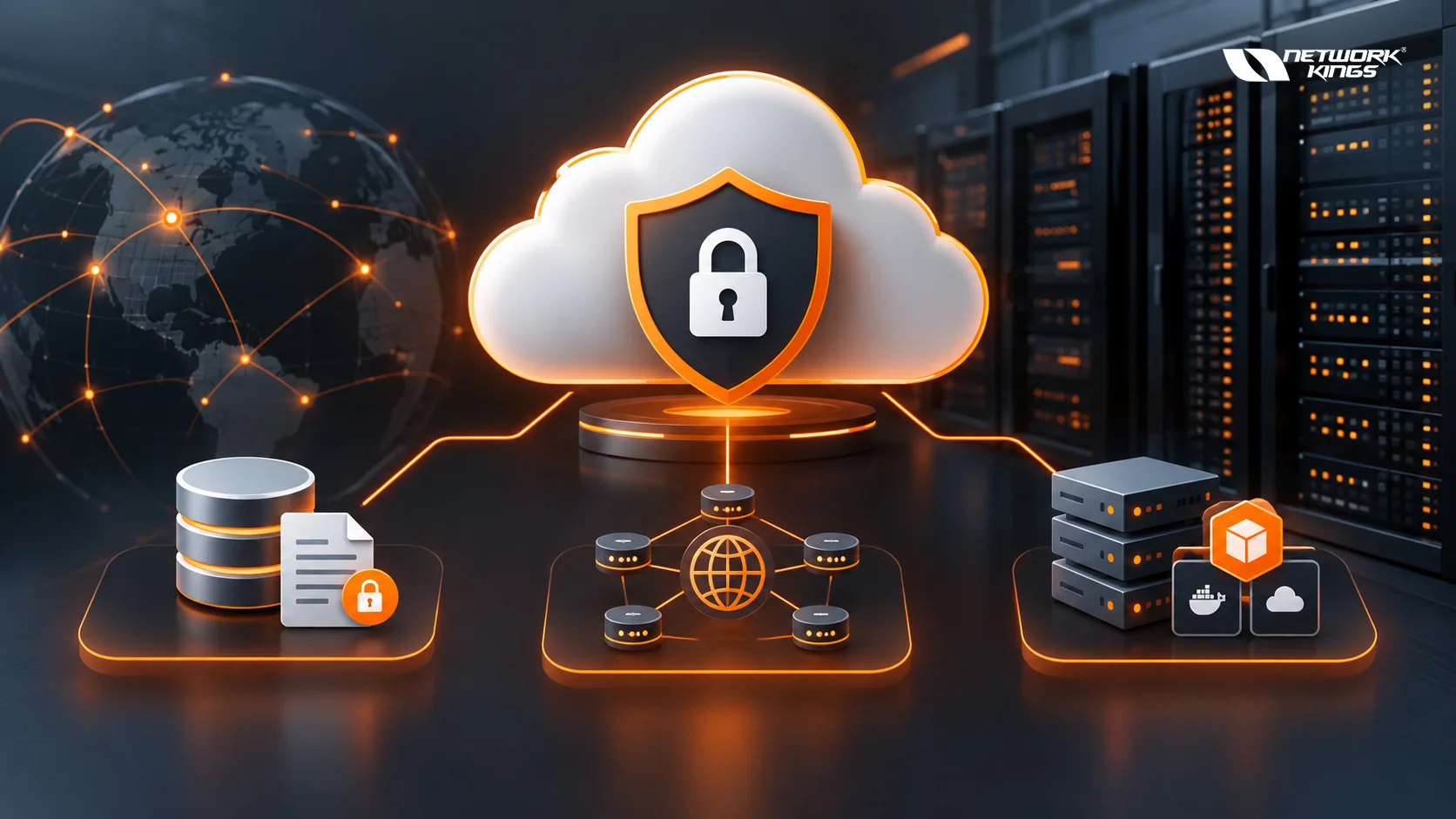

How Cloud Infrastructure Security Protects Data, Networks, and Workloads
Cloud infrastructure security is the foundation for protecting data, networks, applications, and workloads running in cloud environments. As organizations move critical systems from traditional data centers to platforms such as AWS, Microsoft Azure, and Google Cloud, security can no longer depend on a single network perimeter or firewall.
Modern cloud environments are dynamic. Resources can be created in minutes, applications can communicate across multiple services, and employees, applications, APIs, and workloads may connect from different locations. Cloud infrastructure security addresses these challenges by combining identity and access management, encryption, network security, workload protection, continuous monitoring, vulnerability management, and automated response.
The objective is straightforward: prevent unauthorized access, reduce security exposure, detect threats quickly, limit their impact, and recover when an incident occurs.
What Cloud Infrastructure Security Means
Cloud infrastructure security refers to the technologies, policies, configurations, and operational practices used to protect cloud infrastructure and the resources running on it.
This includes virtual machines, containers, Kubernetes clusters, databases, storage, virtual networks, APIs, identities, applications, and cloud management interfaces. Each layer requires appropriate security controls because a weakness in one area can expose other resources.
Cloud security also involves preventing misconfigurations, managing permissions, securing workloads, monitoring activity, and maintaining reliable backup and recovery processes.
The exact controls vary depending on the cloud service and architecture, but the underlying objective remains the same: protect the confidentiality, integrity, and availability of cloud resources.
How Cloud Security Protects Data
Data is one of the most valuable assets stored in cloud environments. Customer information, financial records, credentials, intellectual property, application data, and backups all require protection throughout their lifecycle.
Encryption is a fundamental control. Data at rest can be encrypted when stored in databases, disks, and object storage, while encryption in transit protects information moving between users, applications, and cloud services.
Identity and access controls provide another layer of protection. Organizations can apply least-privilege principles so users and applications receive only the permissions they actually require.
Important data protection practices include:
Encrypting sensitive data at rest and in transit
Classifying data according to sensitivity and business requirements
Applying least-privilege access policies
Protecting and rotating encryption keys
Monitoring access to sensitive information
Maintaining secure backups
Testing data recovery procedures
Identifying unusual data access activity
Cloud security tools can also help identify publicly exposed storage, excessive permissions, and other configuration weaknesses that could increase the risk of data exposure.
How Cloud Security Protects Networks
Cloud networks operate differently from traditional enterprise networks because infrastructure can be provisioned and modified through software. Security therefore needs to be incorporated into the architecture instead of being added only at the network edge.
Virtual private networks, subnets, security groups, network access control lists, firewalls, private endpoints, VPN connections, and secure gateways can control how resources communicate.
Network segmentation is particularly important. Sensitive databases and internal services should not automatically be exposed to the public internet simply because an application needs access to them. Separating resources into appropriate network segments can reduce unnecessary communication and limit lateral movement.
Common cloud network security controls include:
Private subnets for sensitive resources
Firewalls for controlling permitted traffic
Security groups for workload-level access control
Network access control lists for subnet-level filtering
VPNs and dedicated connectivity for private communication
Web application firewalls for internet-facing applications
Network monitoring for suspicious traffic
AWS provides capabilities such as Amazon VPC, Security Groups, Network ACLs, and AWS Network Firewall. Azure offers Virtual Network, Network Security Groups, and Azure Firewall, while Google Cloud provides VPC networks and firewall rules. The names and implementation differ, but the underlying principles of segmentation and controlled connectivity remain similar.
How Cloud Security Protects Workloads
Cloud workloads include virtual machines, containers, Kubernetes environments, serverless applications, and other computing resources. Protecting them requires security controls throughout their lifecycle.
Organizations should begin with secure configurations and hardened operating systems. Vulnerabilities need to be identified and patched regularly, while unnecessary services and open ports should be removed.
Containerized environments require additional attention because security extends beyond the container itself. Images, registries, Kubernetes clusters, APIs, identities, configuration files, and runtime behavior all need to be considered.
Workload protection commonly includes:
Vulnerability scanning
Patch and configuration management
Endpoint or workload protection
Container image scanning
Runtime monitoring
Kubernetes security controls
Application security testing
Secrets management
Security can also be integrated into CI/CD pipelines so vulnerabilities, exposed secrets, insecure dependencies, and infrastructure misconfigurations can be identified before workloads reach production.
Key Cloud Infrastructure Security Controls
Different security controls address different types of risk. Understanding how they work together is more useful than relying on a single security technology.
Security Control | Primary Purpose | Main Protection Area |
IAM | Controls user and service permissions | Identities and resources |
MFA | Adds another authentication layer | User accounts |
Encryption | Protects information from unauthorized disclosure | Data |
Firewalls | Controls network traffic | Networks and workloads |
Network segmentation | Limits unnecessary communication | Cloud networks |
Vulnerability management | Identifies software weaknesses | Workloads |
CSPM | Detects cloud misconfigurations | Cloud infrastructure |
CWPP | Protects cloud workloads | VMs and containers |
Security monitoring | Detects suspicious activity | Infrastructure and applications |
SIEM | Correlates security events | Security operations |
Backup and recovery | Restores critical resources | Data and applications |
Effective cloud security comes from combining these controls according to the organization's architecture, risk profile, regulatory requirements, and operational needs.
The Role of Identity in Cloud Security
Traditional security models often focused heavily on protecting the network perimeter. Cloud environments have changed this approach because users, applications, APIs, and services can connect from many locations.
Identity and access management has therefore become a central security layer.
Organizations should use strong authentication, multi-factor authentication, least-privilege permissions, regular access reviews, and appropriate controls for service accounts and machine identities.
AWS IAM, Microsoft Entra ID, and Google Cloud IAM provide identity and access capabilities within their respective environments. Organizations can use these services to control which identities can access specific resources and what actions they are permitted to perform.
A useful security question is simple: who can access this resource, what can they do, and why do they need that access?
Prevent, Detect, Respond and Recover
A mature cloud security strategy should address more than prevention. Security teams need controls covering the entire incident lifecycle.
Security Stage | Typical Controls | Security Objective |
Prevent | IAM, MFA, encryption, firewalls, secure configurations | Reduce exposure |
Detect | Cloud monitoring, SIEM, threat detection | Identify suspicious activity |
Respond | Automated alerts, isolation, credential revocation | Limit potential damage |
Recover | Backups, disaster recovery, restoration testing | Resume operations |
Prevention reduces the opportunities available to attackers. Detection helps security teams identify suspicious behavior. Response limits the potential impact of an incident, while recovery helps restore affected systems and data.
This approach is particularly important in cloud environments because infrastructure changes rapidly and security teams need visibility into those changes.
Cloud Security Monitoring and Threat Detection
Even a well-designed cloud environment can experience security incidents. Continuous monitoring helps organizations identify suspicious activity and investigate potential threats.
Cloud monitoring can track authentication attempts, API calls, configuration changes, privileged actions, network traffic, and workload behavior.
For example, AWS CloudTrail records activity associated with AWS accounts and services, while Microsoft Defender for Cloud and Google Cloud security capabilities provide security monitoring and posture-related capabilities within their respective ecosystems.
Organizations can also integrate cloud security events with a SIEM platform to correlate information from cloud infrastructure, endpoints, applications, and other security systems. Automated workflows can then help security teams investigate and respond to alerts more efficiently.
Understanding the Shared Responsibility Model
One of the most important concepts in cloud security is the shared responsibility model.
Cloud providers are generally responsible for securing the underlying infrastructure they operate, including physical facilities, hardware, and certain foundational services. Customers remain responsible for securing the parts of the environment they control, which can include identities, data, applications, configurations, operating systems, and network controls depending on the cloud service being used.
The exact division of responsibility differs between Infrastructure as a Service, Platform as a Service, and Software as a Service.
Understanding this distinction is critical because using a cloud provider does not automatically secure everything deployed within the cloud environment.
Building a Strong Cloud Security Strategy
Cloud infrastructure security works best when it becomes part of everyday infrastructure and development processes rather than a one-time configuration exercise.
Organizations should regularly review permissions, scan for misconfigurations, patch workloads, monitor security events, test backups, assess vulnerabilities, and review network exposure.
Infrastructure as Code can also help teams create standardized configurations and apply security controls consistently across environments. Security policies can be incorporated into deployment pipelines so that insecure infrastructure is identified before it reaches production.
A zero trust approach can further strengthen security by requiring access to be explicitly verified rather than automatically trusting users or systems based only on their network location.
Final Thoughts
Cloud infrastructure security protects far more than virtual servers. It creates multiple layers of defense around data, identities, networks, applications, and workloads.
A strong strategy combines least-privilege access, MFA, encryption, network segmentation, workload protection, vulnerability management, secure configurations, continuous monitoring, threat detection, and reliable recovery.
The most effective approach is to think beyond prevention. Cloud security should prevent unnecessary exposure, detect suspicious activity, respond quickly when threats emerge, and provide reliable recovery capabilities.
As organizations continue adopting cloud computing, understanding these security layers is essential for building resilient infrastructure that can support business operations while reducing security risk.
(FAQs)
1. What is cloud infrastructure security?
Cloud infrastructure security is the combination of technologies, policies, configurations, and practices used to protect cloud-based data, networks, workloads, applications, identities, and other resources from unauthorized access, vulnerabilities, misconfigurations, and cyber threats.
2. How does cloud infrastructure security protect data?
Cloud infrastructure security protects data through measures such as encryption, identity and access management, least-privilege permissions, secure backups, access monitoring, and data classification. Encryption helps protect data both at rest and in transit, while access controls help ensure that only authorized users and services can access sensitive information.
3. How does cloud security protect networks?
Cloud security protects networks through controls such as firewalls, security groups, network access control lists, private subnets, VPNs, network segmentation, and web application firewalls. These controls regulate communication between cloud resources, restrict unnecessary access, and help reduce the potential for unauthorized network activity and lateral movement.
4. What is the shared responsibility model in cloud security?
The shared responsibility model defines which security responsibilities belong to the cloud provider and which belong to the customer. Cloud providers generally secure the underlying infrastructure, while customers are responsible for securing the resources and configurations they control. The exact responsibilities vary depending on whether an organization uses IaaS, PaaS, or SaaS services.
5. What are the most important cloud infrastructure security controls?
Important cloud infrastructure security controls include identity and access management, multi-factor authentication, encryption, firewalls, network segmentation, vulnerability management, security monitoring, cloud security posture management, workload protection, and backup and recovery. These controls work together to provide layered protection rather than relying on a single security mechanism.
6. Why is IAM important for cloud infrastructure security?
Identity and access management is important because cloud resources can be accessed by employees, applications, APIs, services, and machine identities from different locations. IAM helps organizations enforce authentication and authorization, apply least-privilege access, manage permissions, and restrict users or services from accessing resources they do not need.
7. How does cloud security protect workloads such as containers and virtual machines?
Workload security protects virtual machines, containers, Kubernetes environments, and other computing resources through vulnerability scanning, secure configuration, patch management, container image scanning, secrets management, runtime monitoring, and application security testing. Integrating these checks into CI/CD pipelines can also help identify security issues before workloads are deployed.
8. How do organizations detect and respond to cloud security threats?
Organizations use cloud monitoring, logging, threat detection tools, SIEM platforms, and automated response mechanisms to identify suspicious activity. Security teams can monitor authentication attempts, API activity, configuration changes, network traffic, and workload behavior. When a threat is detected, response actions can include investigating the event, isolating affected resources, revoking compromised credentials, and restoring systems from secure backups.

The founder of Network Kings, is a renowned Network Engineer with over 12 years of experience at top IT companies like TCS, Aricent, Apple, and Juniper Networks. Starting his journey through a YouTube channel in 2013, he has inspired thousands of students worldwide to build successful careers in networking and IT. His passion for teaching and simplifying complex technologies makes him one of the most admired mentors in the industry.