How DevOps Engineers Can Use AI to Automate Tasks
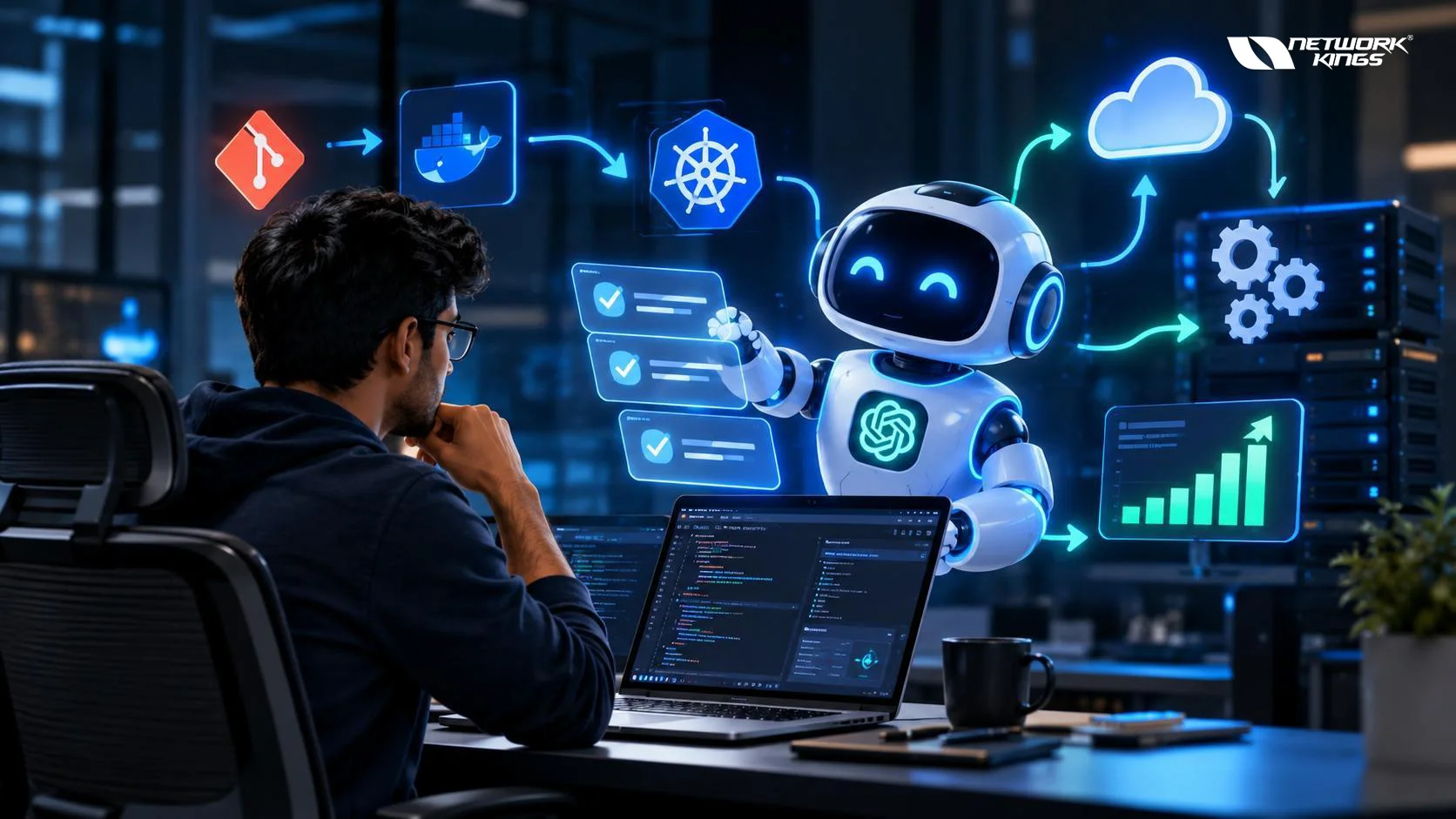
AI in DevOps means using machine learning and generative AI models to handle repetitive work such as reading logs, drafting pipeline configs, triaging alerts, and writing documentation. Engineers can use it to cut manual effort, shorten troubleshooting time, and ship more reliably, as long as a human still reviews anything that touches production.
The most practical gains come from tasks that involve pattern recognition or text generation. Scanning thousands of log lines, drafting a Terraform module, or summarizing an incident timeline all fit that description. Decisions about risk, architecture, and production changes still belong to people. That split between AI-assisted automation and fully autonomous automation runs through everything below.
How AI Is Changing DevOps Workflows
Traditional DevOps automation is rule-based. A script runs when a condition is met, and it does exactly what it was told. AI adds a layer that can interpret messy input, such as stack traces, free-text alerts, or unfamiliar error messages, and suggest what to do next.
There are two broad categories worth separating:
Generative AI in DevOps, which produces code, configs, commands, and documentation from natural language prompts.
AIOps, which applies machine learning to operational data for anomaly detection, alert correlation, and noise reduction.
Most teams start with generative assistants because they need no integration work. AIOps platforms take more setup, since they depend on clean telemetry.
Common DevOps Tasks AI Can Automate
Not every task benefits equally. Good candidates are repetitive, text-heavy, and easy to verify. Poor candidates are high-risk changes where a wrong answer is expensive and hard to detect.
Tasks that usually fit well include:
Drafting shell scripts, Dockerfiles, and Kubernetes manifests
Summarizing long log files and error traces
Grouping related alerts into a single incident
Generating unit and integration test cases
Writing runbooks, changelogs, and pull request descriptions
Explaining unfamiliar configuration files or legacy scripts
AI Across CI/CD and Deployment Workflows
Yes, AI can assist with CI/CD automation, but it works best as a helper rather than an unsupervised operator.
Pipeline Configuration
Writing a GitHub Actions workflow or GitLab CI file from scratch is tedious, and syntax mistakes are common. An AI assistant can draft a workflow from a plain description, such as "build a Docker image, run tests, scan for vulnerabilities, and push to a registry on merge to main." You still need to check secrets handling, caching behavior, permissions scopes, and runner configuration.
Diagnosing Failed Builds
When a build fails, the answer is usually buried in hundreds of lines of output. Pasting the relevant section into an AI tool often surfaces the likely cause quickly, whether it is a dependency conflict, a missing environment variable, or a flaky test. Treat the answer as a hypothesis and confirm it against the actual pipeline behavior.
Deployment Automation
Some platforms use machine learning to compare metrics during canary or progressive rollouts and flag regressions. The decision to promote or roll back should still have a defined policy and an approval path, particularly for customer-facing services.
AI for Monitoring, Logs, Alerts, and Incident Response
This is where AIOps earns its place. Modern systems generate more telemetry than any team can read manually.
How AI Helps With Monitoring and Observability
AI models can learn what normal looks like for a metric, such as CPU usage, latency, or error rate, and flag deviations without fixed thresholds. This reduces the false positives that come from static alerts on workloads with daily or weekly patterns.
Alert Management and Correlation
A single failing database can trigger dozens of downstream alerts. Correlation features group these into one incident so the on-call engineer sees a single problem instead of a flood. This noise reduction is often the most noticeable benefit for on-call teams.
Log Analysis and Root Cause Analysis
Consider a realistic scenario. A service starts returning intermittent 502 errors after a deployment. An engineer pastes recent ingress logs, pod events, and the deployment diff into an AI assistant. The assistant might point out that new pods are failing readiness probes because of a changed environment variable, and suggest checking the ConfigMap.
That shortens the investigation, but the engineer still confirms the cause with kubectl describe and the application logs before changing anything. AI suggests root causes. It does not prove them.
Incident Response
During an incident, AI can draft status updates, summarize the timeline, and suggest runbook steps. Afterward, it can help assemble a postmortem draft from chat logs and alert history. Remediation actions that change production should remain behind approval.

AI for Infrastructure and Cloud Automation
Infrastructure as Code
Generative AI is useful for scaffolding Terraform modules, CloudFormation templates, and Ansible playbooks. It can also explain an existing module or refactor repeated blocks into reusable ones.
The risk is subtle. Generated code can look correct while using deprecated arguments, overly broad IAM permissions, or resource settings that create unexpected costs. Always run terraform plan, use linters and policy checks, and review the diff the way you would review a colleague's pull request.
Kubernetes and Docker Troubleshooting
AI tools can interpret CrashLoopBackOff, ImagePullBackOff, and OOMKilled events, then suggest likely fixes such as adjusting resource limits or correcting an image tag. They can also review a Dockerfile for oversized layers or poor caching. Verify suggestions in a non-production cluster first.
Cloud Resource Monitoring
Machine learning can highlight idle resources, unusual spending patterns, and capacity trends. The recommendations are useful inputs for FinOps reviews, though actual right-sizing decisions depend on business context that the model does not have.
AI for Testing, Security, and Troubleshooting
Automated Testing
AI can propose unit tests, edge cases, and test data based on existing code. This speeds up coverage for legacy services. Quality still depends on review, because generated tests can assert the wrong behavior or simply mirror the current implementation, bugs included.
Security and DevSecOps
In DevSecOps workflows, AI can help explain scanner findings, prioritize vulnerabilities, and suggest fixes for insecure configurations such as open security groups or containers running as root. It should complement dedicated tools like SAST, dependency scanning, and secret detection, not replace them.
One caution matters here. Do not paste credentials, tokens, or sensitive customer data into external AI services. Check your organization's data policies first.
Use-Case Comparison Table
DevOps Task | How AI Helps | Example Tools or Technologies | Human Oversight |
Pipeline authoring | Drafts workflow files from descriptions | GitHub Actions, GitLab CI, Jenkins | Review permissions, secrets, and triggers |
Log analysis | Summarizes errors and spots patterns | Elastic, Splunk, Datadog, general LLM assistants | Confirm findings against raw logs |
Alert correlation | Groups related alerts into incidents | PagerDuty, Datadog, Dynatrace | Tune rules and validate grouping |
IaC generation | Scaffolds and refactors templates | Terraform, Ansible, CloudFormation | Run plan, linting, and policy checks |
Kubernetes debugging | Interprets events and suggests fixes | kubectl, Prometheus, Grafana | Test in staging before applying |
Test generation | Proposes test cases and edge cases | Pytest, JUnit, Jest | Check assertions and coverage quality |
Vulnerability triage | Explains and prioritizes findings | Trivy, Snyk, SonarQube | Security team validates severity |
Documentation | Drafts runbooks and postmortems | Confluence, Markdown repos | Verify accuracy and completeness |
Limitations, Risks, and Human Oversight
AI output can be wrong while sounding confident. In infrastructure work, that can mean a broken deployment or a security gap. The main risks are:
Hallucinated commands, flags, or resource arguments
Over-permissive configurations
Exposure of sensitive data through prompts
Automation that acts on incorrect conclusions
Skills erosion when engineers stop understanding what they deploy
AI-assisted automation keeps a person in the approval loop. Fully autonomous automation acts without review, and it is only reasonable for low-risk, well-tested, reversible actions, such as restarting a stateless pod under strict guardrails. For anything touching production data, networking, or access control, keep human approval in place.
Practical Implementation Considerations
Start small. Pick one painful, low-risk task, such as log summarization or documentation, and measure whether it saves time.
Some sensible guidelines:
Use version control and pull requests for all AI-generated code
Apply least-privilege access to any AI agent or integration
Keep audit logs of AI-driven actions
Test in staging before production
Write clear data-handling rules for prompts
Improve telemetry quality first if you plan to adopt AIOps
Will AI Replace DevOps Engineers?
No. AI handles drafting and pattern matching well, but engineers still design systems, manage trade-offs, own reliability, and respond to novel failures. The role is shifting toward reviewing, guiding, and validating automated work, which makes foundational knowledge of Linux, networking, cloud, and Kubernetes more valuable, not less.
AI for DevOps works best as a capable assistant that removes repetitive effort from logs, pipelines, infrastructure code, and documentation. The teams seeing real value pair it with version control, testing, least-privilege access, and human review. Begin with low-risk tasks, verify everything, and expand only when the results justify it.
Frequently Asked Questions (FAQs)
1. How can AI improve CI/CD pipelines without increasing deployment risk?
Use AI for authoring and diagnosis rather than unsupervised deployment. Let it draft workflow files, explain failed jobs, and suggest test improvements, then enforce the same gates you already use: code review, automated tests, security scans, and approval steps. Risk rises when AI-generated changes bypass those controls.
2. What data does an AIOps tool need to work well?
Reliable metrics, structured logs, traces, deployment events, and topology or service dependency information. Poor tagging and inconsistent log formats limit correlation accuracy. Many teams get better results after standardizing observability data than after switching tools.
3. Can AI reduce alert fatigue for on-call teams?
It can. Anomaly detection reduces dependence on rigid thresholds, and correlation groups related alerts into single incidents. You still need to review and tune alert rules, since models can miss rare failures or group unrelated issues.
4. Is it safe to let AI generate Terraform or other infrastructure code?
It is safe when treated as a draft. Run terraform plan, apply policy-as-code checks, scan for misconfigurations, and require peer review. Pay special attention to IAM policies, network rules, encryption settings, and cost-related resource sizes.
5. How does AI help with security in DevOps pipelines?
It can explain scanner results, help prioritize findings, and suggest remediation for misconfigurations. It does not replace SAST, dependency scanning, secret detection, or security review. Also avoid sharing secrets or sensitive data with external tools.
6. Can AI troubleshoot Kubernetes issues on its own?
It can interpret pod events, logs, and manifests, and propose likely causes. Acting on those suggestions automatically is riskier. Validate in staging, and limit any automated remediation to narrow, reversible actions with proper permissions.
7. What is the difference between AI-assisted and autonomous automation in DevOps?
AI-assisted automation produces recommendations or drafts that a person approves. Autonomous automation executes actions without review. Most organizations use assisted workflows for critical systems and allow autonomy only for low-impact, well-tested tasks.

The founder of Network Kings, is a renowned Network Engineer with over 12 years of experience at top IT companies like TCS, Aricent, Apple, and Juniper Networks. Starting his journey through a YouTube channel in 2013, he has inspired thousands of students worldwide to build successful careers in networking and IT. His passion for teaching and simplifying complex technologies makes him one of the most admired mentors in the industry.