Technical Guide to TCP and UDP Port Numbers for Network Troubleshooting
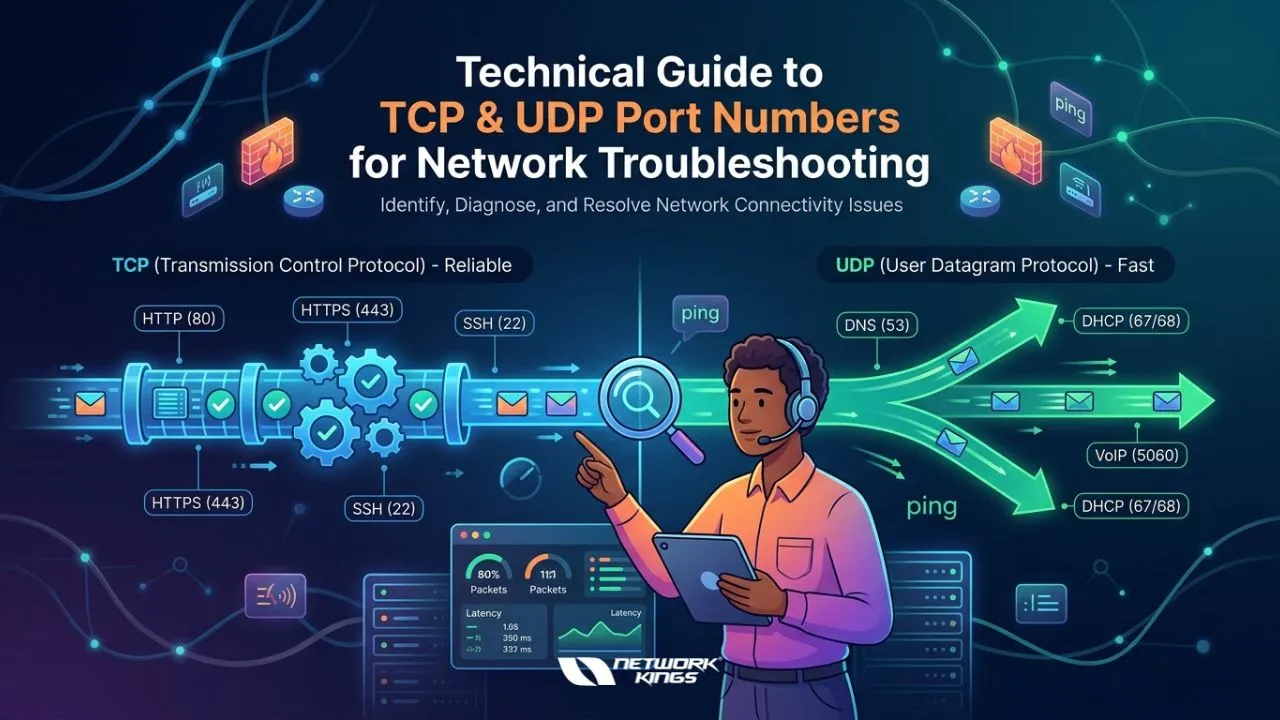
In the world of computer networking, communication between devices depends heavily on protocols and port numbers. Whether you are troubleshooting a slow application, diagnosing connectivity issues, or securing a network environment, understanding TCP and UDP port numbers is an essential skill for every IT professional.
For network engineers, cybersecurity analysts, system administrators, and even aspiring IT professionals, port numbers serve as gateways that enable specific services and applications to communicate over a network. Without a proper understanding of these ports, identifying network problems can become difficult and time-consuming.
This technical guide explains TCP and UDP port numbers in a practical, beginner-friendly way and covers how mastering these concepts can strengthen your networking career.
What Are TCP and UDP Port Numbers?
Port numbers are logical communication endpoints used by networking protocols to identify specific services running on a device. They help systems determine where incoming or outgoing data should be directed.
The two most common transport layer protocols are:
TCP (Transmission Control Protocol)
UDP (User Datagram Protocol)
Both protocols use port numbers, but they function differently.
TCP Ports
TCP is connection-oriented, meaning it establishes a reliable connection before transferring data. It ensures packets arrive correctly and in sequence.
Common uses of TCP include:
Web browsing (HTTP/HTTPS)
Email services
File transfers
Remote access
TCP is ideal when accuracy and reliability are critical.
UDP Ports
UDP is connectionless and focuses on speed rather than reliability. It does not guarantee packet delivery or sequencing.
UDP is commonly used for:
Video streaming
Online gaming
DNS queries
VoIP services
Because of its lightweight nature, UDP performs well in real-time communication scenarios.
Understanding Port Number Ranges
Port numbers range from 0 to 65535 and are divided into three categories:
1. Well-Known Ports (0–1023)
These are reserved for commonly used services.
Port Number | Protocol | Common Use |
20, 21 | TCP | FTP (File Transfer Protocol) |
22 | TCP | SSH (Secure Shell) |
23 | TCP | Telnet |
25 | TCP | SMTP (Email Sending) |
53 | UDP/TCP | DNS (Domain Name System) |
80 | TCP | HTTP (Web Traffic) |
110 | TCP | POP3 (Email Retrieval) |
143 | TCP | IMAP (Email Retrieval) |
443 | TCP | HTTPS (Secure Web Traffic) |
161 | UDP | SNMP (Network Management) |
3389 | TCP | RDP (Remote Desktop Protocol |
These ports are heavily used during troubleshooting because many connectivity issues involve these services.
2. Registered Ports (1024–49151)
These ports are assigned to specific applications and software vendors.
Examples include:
3306 – MySQL
3389 – Remote Desktop Protocol (RDP)
5432 – PostgreSQL
3. Dynamic or Private Ports (49152–65535)
These are temporary ports used by client devices during communication sessions.
For example, when your browser accesses a website on port 443, your computer may use a random dynamic port to establish the session.
Why Port Numbers Matter in Network Troubleshooting
Port numbers play a critical role in identifying network issues quickly and accurately.
Diagnosing Connectivity Problems
If a service is unreachable, the first troubleshooting step often involves checking whether the required port is open and listening.
For example:
A website not loading may indicate issues with port 80 or 443.
Email problems may involve ports 25, 465, or 587.
DNS failures often relate to port 53.
Identifying Firewall Misconfigurations
Firewalls control traffic based on port rules. Incorrect firewall settings can block legitimate traffic.
Common examples include:
SSH access blocked on port 22
Remote desktop issues on port 3389
VPN traffic blocked by restricted UDP ports
Understanding port behavior helps engineers quickly isolate the issue.
Monitoring Network Security
Open ports can expose systems to cyber threats if not properly secured.
Network professionals regularly scan ports to:
Detect unauthorized services
Identify vulnerable applications
Prevent malicious access
Tools like Nmap, Wireshark, and Netstat are commonly used for port analysis and troubleshooting.
Common Commands Used for Port Troubleshooting
Network engineers frequently use command-line tools to inspect port activity.
Netstat
Displays active network connections and listening ports.
Example: netstat -an
Telnet
Tests whether a specific port is reachable.
Example: telnet 192.168.1.1 80
Nmap
Performs advanced port scanning and security analysis.
Example: nmap -p 1-1000 192.168.1.1
Wireshark
Captures and analyzes network packets to identify TCP and UDP communication issues.
These tools are essential in real-world network troubleshooting environments.
TCP vs UDP: Key Differences for Troubleshooting
Feature | TCP | UDP |
Connection Type | Connection-oriented | Connectionless |
Reliability | High | Low |
Speed | Slower | Faster |
Error Checking | Yes | Minimal |
Best For | Web, Email, SSH | Streaming, Gaming, VoIP |
Understanding these differences helps professionals determine whether performance or reliability issues are protocol-related.
Career Benefits of Understanding TCP and UDP Ports
Mastering TCP and UDP port numbers is not just important for troubleshooting — it is also a valuable career skill.
Professionals with strong networking fundamentals are highly sought after in roles such as:
Network Engineer
System Administrator
Cybersecurity Analyst
Cloud Engineer
SOC Analyst
Technical Support Engineer
Organizations rely on skilled professionals who can diagnose network issues quickly and maintain secure communication environments.
Certifications That Strengthen Networking Skills
Learning TCP and UDP ports is a foundational topic in many globally recognized IT certifications.
Popular certifications include:
Cisco Certified Network Associate (CCNA)
These certifications validate practical networking knowledge and improve career growth opportunities.
Benefits of Networking Certifications
Increased job opportunities
Higher salary potential
Strong technical credibility
Better understanding of enterprise networks
Improved troubleshooting confidence
Exam Preparation Tips for Networking Professionals
If you are preparing for networking certifications, focusing on TCP and UDP concepts is essential.
Effective Preparation Strategies
Practice subnetting and port identification daily
Grasp core concepts about TCP/IP, ports, protocols, and services.
Use packet analyzers like Wireshark
Build a home lab using Cisco Packet Tracer or GNS3
Use virtual labs or real equipment to practice configuring and troubleshooting networks.
Consistency and practical exposure are key to mastering networking concepts.
How Mastering Ports Contributes to Long-Term Professional Growth
Investing time in mastering TCP and UDP port numbers builds a strong foundation for your IT career.
It enhances your credibility as a knowledgeable professional.
Opens up advanced roles in network design and cybersecurity.
Helps you adapt quickly to new technologies due to solid foundational knowledge.
Builds confidence in handling complex troubleshooting scenarios.
Final Thoughts
TCP and UDP port numbers form the backbone of network communication. From diagnosing connectivity issues to securing enterprise infrastructure, understanding how ports work is a core skill for every IT professional.
Whether you are starting your networking journey or preparing for advanced certifications, gaining hands-on experience with TCP and UDP troubleshooting can significantly improve your technical expertise and career prospects.
In today’s technology-driven world, companies value professionals who can quickly identify network issues, optimize communication, and maintain secure systems. By mastering TCP and UDP port numbers, you build a strong foundation for long-term success in networking and cybersecurity careers.
FAQs
1. What is a port number in networking?
A port number is a logical endpoint used to identify specific network services and applications.
2. What is the main difference between TCP and UDP?
TCP provides reliable communication, while UDP focuses on faster data transmission.
3. Which port is used for HTTPS?
HTTPS commonly uses TCP port 443.
4. Which tool is used for port scanning?
Nmap is one of the most popular tools for port scanning and analysis.
5. Why are port numbers important in troubleshooting?
They help identify blocked services, connectivity issues, and firewall problems quickly.

The founder of Network Kings, is a renowned Network Engineer with over 12 years of experience at top IT companies like TCS, Aricent, Apple, and Juniper Networks. Starting his journey through a YouTube channel in 2013, he has inspired thousands of students worldwide to build successful careers in networking and IT. His passion for teaching and simplifying complex technologies makes him one of the most admired mentors in the industry.