What is Firewall? (Beginner to Advanced Guide for 2026)
Introduction: Your Network Has Enemies — A Firewall Is the Gatekeeper
Every second, thousands of cyberattacks are launched across the internet — scanning for open ports, probing weak passwords, and slipping malware through unprotected connections. Whether you're a home user streaming Netflix or a business managing sensitive customer data, one question matters more than ever:
Is your network protected?
A firewall is often the first — and most critical — line of defense between your devices and the digital threats lurking outside. Yet many people either don't have one configured properly or don't fully understand what it does.
This guide breaks it all down: what a firewall is, how it works under the hood, the different types available in 2026, and how to choose the right solution for your specific needs.
What Is a Firewall?
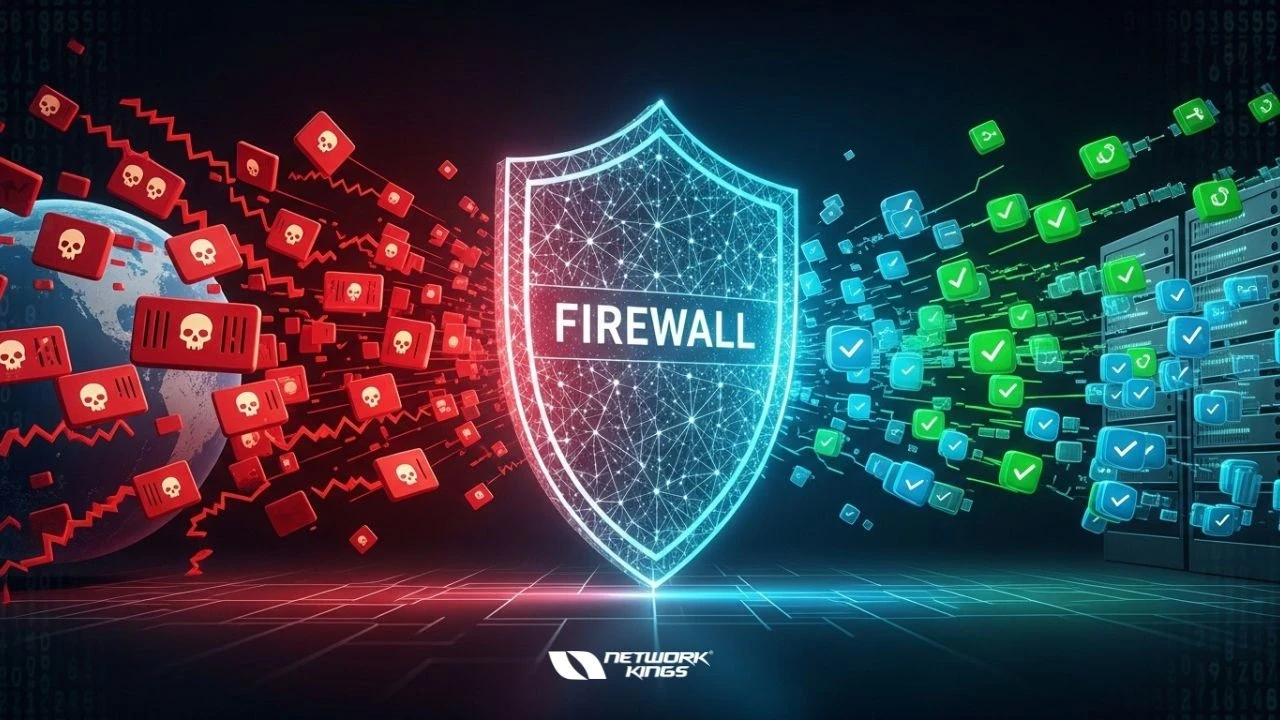
A firewall is a security system — either software, hardware, or a combination of both — that monitors and controls incoming and outgoing network traffic based on a defined set of security rules.
Think of it like a security guard at the entrance of a building. Every person (data packet) trying to enter or leave is checked against an approved list. If they don't belong, they're turned away.
Firewalls sit between your trusted internal network (your home or office devices) and untrusted external networks (the internet), acting as a filter for all communication passing through.
How Does a Firewall Work?
Firewalls work by inspecting data packets — small units of data traveling across a network. Each packet contains information like:
Source IP address (where it's coming from)
Destination IP address (where it's going)
Port number (what service or application it's targeting)
Protocol (TCP, UDP, ICMP, etc.)
The firewall compares this information against its ruleset and decides: allow, block, or log.
Modern firewalls go far beyond basic packet filtering. They can analyze traffic content, detect behavioral patterns, and even use AI to identify zero-day threats in real time.
Types of Firewalls: From Basic to Advanced
Understanding the different types helps you choose the right protection for your situation.
1. Packet Filtering Firewalls
The most basic type. They inspect packet headers only — source/destination IP, port, and protocol. Fast and lightweight, but easily fooled by sophisticated attacks. Best for: simple, low-risk environments.
2. Stateful Inspection Firewalls
An upgrade over packet filtering, these track the state of active connections. They remember whether a connection was initiated internally (trusted) or externally (suspicious). This makes them far more effective at blocking unsolicited traffic.
3. Proxy Firewalls (Application-Level Gateways)
These act as an intermediary between your device and the internet. Instead of letting traffic flow directly, the proxy requests data on your behalf and then passes it back — hiding your internal network entirely. Best for: high-security environments.
4. Next-Generation Firewalls (NGFW)
The gold standard for 2026. NGFWs combine traditional firewall features with:
Deep Packet Inspection (DPI) — analyzes the actual content of packets
Intrusion Prevention Systems (IPS) — actively block detected threats
Application awareness — identifies and controls apps like Zoom, TikTok, or BitTorrent
SSL/TLS inspection — decrypts encrypted traffic to detect hidden threats
Threat intelligence integration — uses real-time global threat feeds
Best for: businesses of all sizes and security-conscious home users.
5. Cloud-Based Firewalls (Firewall-as-a-Service / FWaaS)
Hosted in the cloud and delivered as a subscription service. Ideal for remote teams, hybrid workplaces, and businesses with no dedicated IT staff. Providers like Cloudflare, Zscaler, and Palo Alto Networks lead this space in 2026.
6. Web Application Firewalls (WAF)
Specifically designed to protect web applications from attacks like SQL injection, cross-site scripting (XSS), and OWASP Top 10 vulnerabilities. Essential for any business running a website or web app.
Hardware vs. Software Firewalls: What's the Difference?
Feature | Hardware Firewall | Software Firewall |
Location | Physical device on your network | Installed on each device |
Coverage | Protects the entire network | Protects the individual device |
Performance | High — dedicated processing | Can slow down the host device |
Cost | Higher upfront cost | Often free or low-cost |
Best For | Businesses, offices | Home users, individual machines |
Pro tip: Use both. A hardware firewall protects your network perimeter, while software firewalls add a second layer of defense on each device.
Common Firewall Mistakes (And How to Avoid Them)
Even experienced users get this wrong. Watch out for:
Using default rules without customizing them — Default settings are generic and often too permissive.
Leaving management ports open to the internet — SSH and RDP exposed publicly are prime attack targets.
Not monitoring firewall logs — A firewall that isn't reviewed regularly is a firewall that isn't working for you.
Skipping regular rule audits — Outdated rules accumulate over time and create security gaps.
Assuming a firewall replaces all other security — Firewalls are essential, but they work best alongside antivirus software, endpoint detection, and employee security training.
Do You Actually Need a Firewall in 2026?
Yes — unequivocally.
Here's why it's more important than ever:
Cybercrime is projected to cost the world $10.5 trillion annually by 2025, with no signs of slowing.
Remote and hybrid work has expanded the attack surface far beyond the traditional office perimeter.
Ransomware, phishing, and IoT-based attacks are rising in frequency and sophistication.
Regulatory frameworks like GDPR, HIPAA, and ISO 27001 often explicitly require network-level access controls, which firewalls provide.
Whether you're protecting a single laptop or a sprawling enterprise network, a properly configured firewall is non-negotiable.
How to Choose the Right Firewall for Your Needs
Ask yourself these questions:
How many devices do I need to protect? A single device → software firewall. An entire office → hardware or cloud-based solution.
Do I run a website or a web application? Add a WAF on top of your standard firewall.
Is my team remote or hybrid? Consider a cloud-based Firewall-as-a-Service.
What's my budget? Free software firewalls (like Windows Defender Firewall or UFW on Linux) are fine for home use. Businesses should budget for NGFW or FWaaS solutions.
How technical is my team? If you lack in-house IT, a managed firewall service removes the complexity of configuration and maintenance.
Quick-Start Checklist: Firewall Best Practices
✅ Enable your operating system's built-in firewall right now if you haven't already
✅ Change all default admin credentials on hardware firewalls
✅ Block all inbound traffic by default — only allow what's explicitly needed
✅ Regularly update your firewall firmware or software
✅ Review firewall logs at least monthly
✅ Restrict management access to trusted IP addresses only
✅ Test your rules periodically using tools like ShieldsUP! or nmap
Conclusion: Don't Wait Until After the Breach
A firewall isn't a "nice to have" — it's the foundation of any sensible cybersecurity strategy. Whether you're setting up your home network for the first time or re-evaluating your enterprise security posture, the time to act is now.
Start simple: enable your software firewall, understand what it's blocking, and layer in more advanced solutions as your needs grow. Cybersecurity isn't a destination — it's an ongoing practice.
Your network is only as secure as the rules guarding its gates. Make sure those gates are locked.
FAQs
1. How does Deep Packet Inspection (DPI) improve firewall security?
DPI analyzes the actual content of data packets, not just headers, helping detect malware, hidden threats, and suspicious patterns in real time.
2. What is the role of a firewall in Zero Trust architecture?
Firewalls enforce strict access controls by verifying every request, ensuring no user or device is trusted by default—even داخل the network.
3. How do firewalls handle encrypted traffic (SSL/TLS)?
Advanced firewalls decrypt, inspect, and re-encrypt traffic to identify threats hidden within encrypted connections.
4. What is the difference between IDS and IPS in modern firewalls?
IDS (Intrusion Detection System) monitors and alerts on threats, while IPS (Intrusion Prevention System) actively blocks malicious traffic.
5. Can firewalls protect against zero-day attacks?
Next-Generation Firewalls use threat intelligence, behavioral analysis, and AI to detect and mitigate unknown or zero-day threats.
6. What is Firewall-as-a-Service (FWaaS) and when should you use it?
FWaaS is a cloud-delivered firewall solution ideal for remote teams and hybrid environments, offering centralized security management.
7. How does application awareness in NGFWs enhance security?
It allows firewalls to identify and control specific applications (like Zoom or BitTorrent), preventing misuse and unauthorized access.

The founder of Network Kings, is a renowned Network Engineer with over 12 years of experience at top IT companies like TCS, Aricent, Apple, and Juniper Networks. Starting his journey through a YouTube channel in 2013, he has inspired thousands of students worldwide to build successful careers in networking and IT. His passion for teaching and simplifying complex technologies makes him one of the most admired mentors in the industry.